

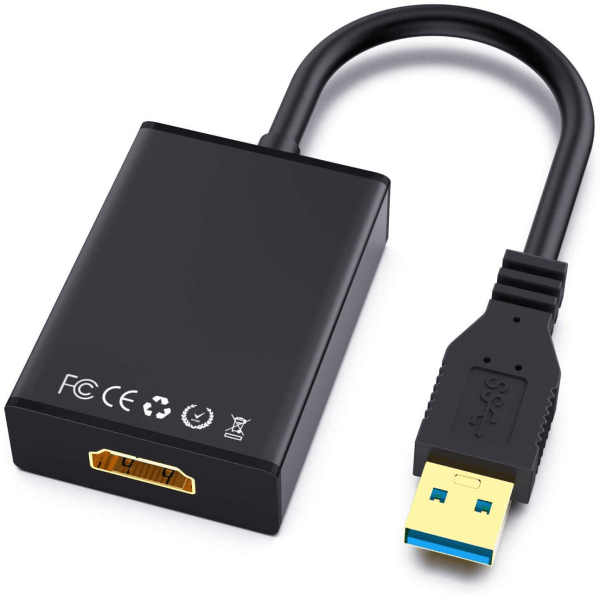
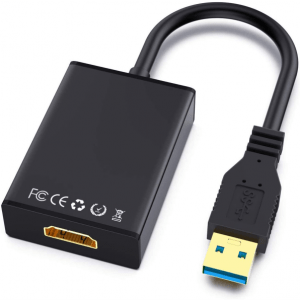
USB to HDMI adapter Overview
The USB-C to HDMI Adapter lets you connect a USB-C equipped laptop, tablet, or smartphone directly to an HDMI display, projector, or TV. Using DisplayPort Alt Mode, video is passed through the USB-C port to the connected HDMI display without the need for extra drivers or software.
USB to HDMI adapter – Plug and Play Convenience
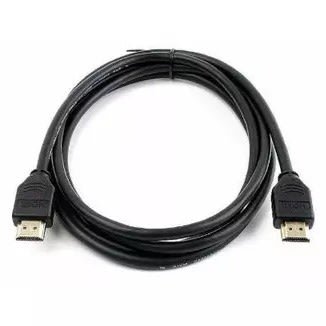
Simply plug the adapter into a USB-C port on your source device and connect an HDMI cable (not included) to your display, projector, or TV. Because it relies on DisplayPort Alt Mode, no drivers need to be installed for basic video output on most compatible devices.
USB to HDMI adapter – Compatibility Note
This adapter requires the connected USB-C port to support DisplayPort Alt Mode (also called USB-C video output or USB-C DP Alt Mode). Not all USB-C ports support video output; please confirm your device supports this feature before purchase.
Specifications
| Input | USB-C (DisplayPort Alt Mode) |
|---|---|
| Output | HDMI |
| Driver Requirement | Plug and play, no drivers required (for devices with native DP Alt Mode support) |
| Condition | New |
Note: Exact maximum supported resolution and refresh rate (e.g. 4K@30Hz vs 4K@60Hz), cable length, and HDMI version have not been confirmed for this specific unit and are not listed here to avoid misstatement. Please confirm these details with the supplier so they can be added.
There are no reviews yet.