

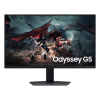
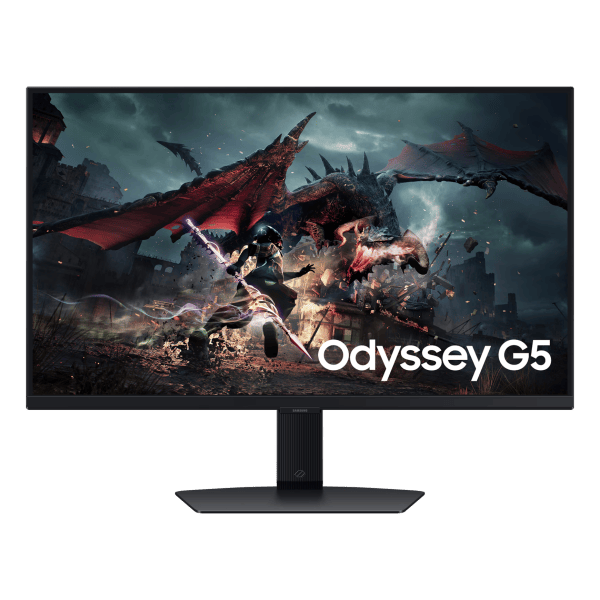
Samsung Odyssey G5 27 inch QHD Gaming Monitor – 180Hz Fast IPS
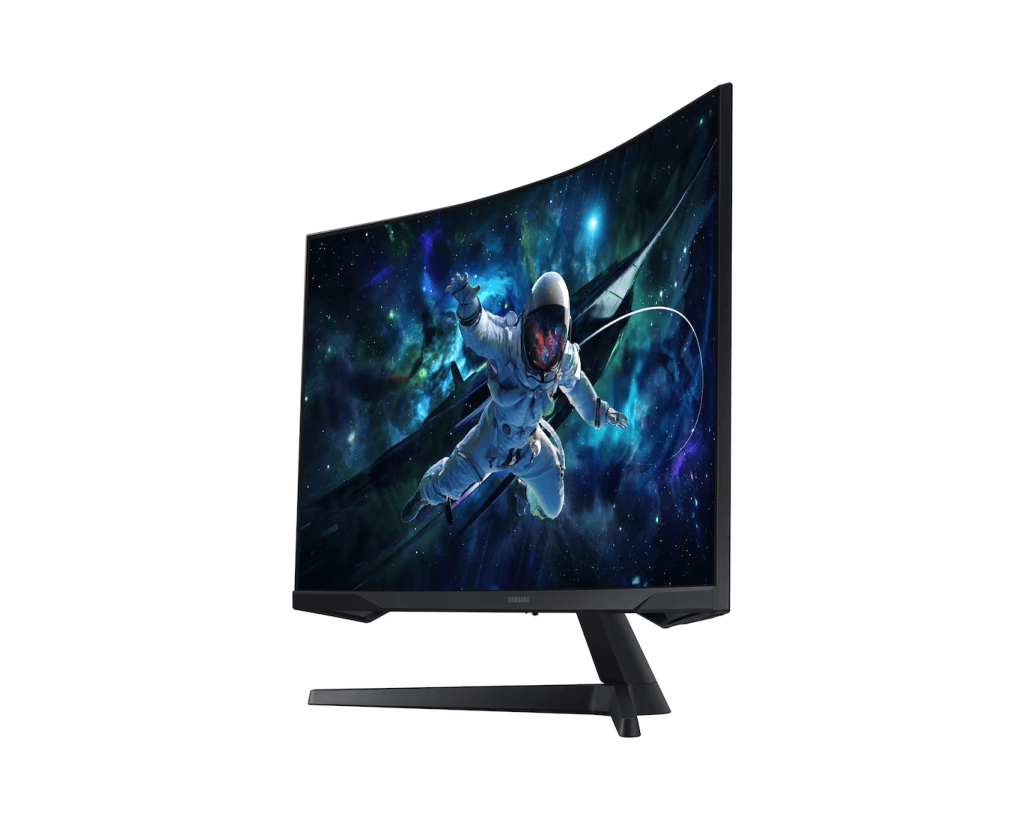
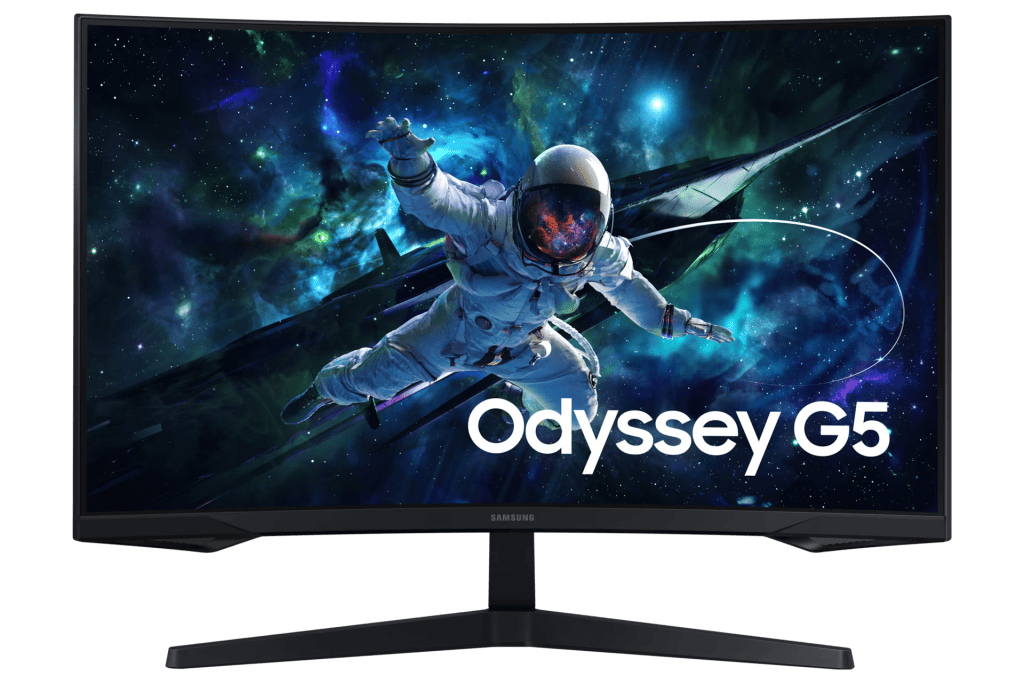
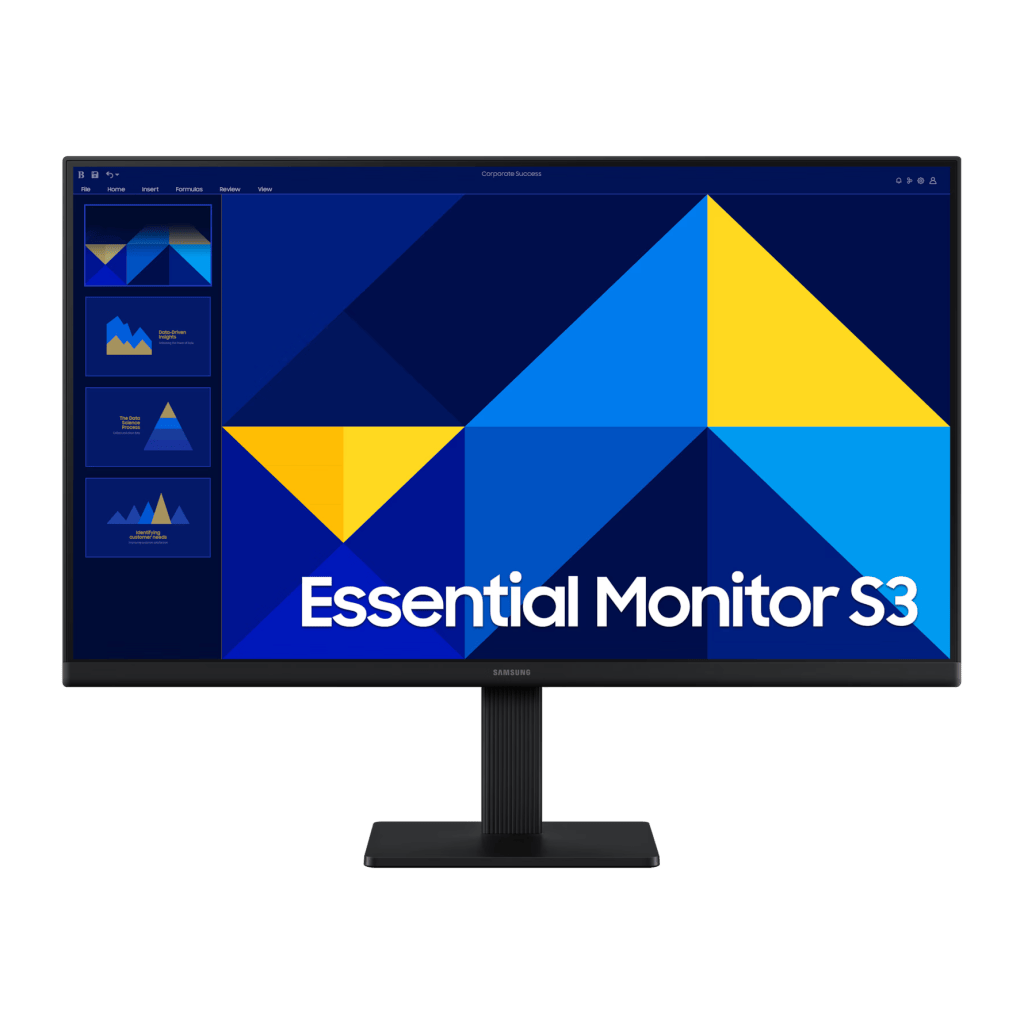
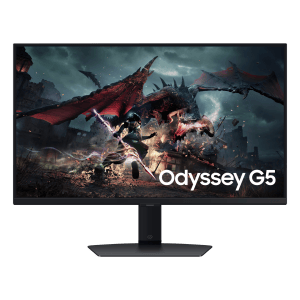
The Samsung Odyssey G5 27 inch monitor (model S27DG602EM) combines sharp QHD detail with fast, fluid motion for competitive gaming and immersive everyday use. Its Fast IPS panel delivers clear colours and wide viewing angles, while a 180Hz refresh rate and 1ms response keep the action smooth. Sold brand new and sealed by Foretec Online, with warranty.
samsung odyssey g5 27 inch monitor – QHD resolution & Fast IPS panel
With 1.7 times the pixel density of Full HD, QHD 2560×1440 resolution delivers detailed, pin-sharp images. The Fast IPS panel produces clear, accurate colours and a wide 178° viewing angle, so the picture stays consistent from any position.
samsung odyssey g5 27 inch monitor – VESA DisplayHDR 400
VESA DisplayHDR 400 delivers greater contrast with deeper blacks and brighter whites, helping you spot enemies or details lurking in the shadows. Even in dark scenes, everything shines with clarity.
samsung odyssey g5 27 inch monitor – 180Hz refresh & 1ms response
A 180Hz refresh rate eliminates lag for exhilarating, ultra-smooth gameplay, while the 1ms (GtG) response time keeps fast-moving frames blur-free. React the instant you see an opening.
Stay in sync – AMD FreeSync
AMD Radeon FreeSync keeps your monitor and graphics card refresh rates in sync to reduce screen tearing. Movies and games play without interruption, and even fast scenes stay seamless and smooth.
samsung odyssey g5 27 inch monitor – Eye Saver Mode & flicker reduction
Eye Saver Mode minimises blue light to keep your eyes relaxed during long sessions, and flicker reduction cuts tiring screen flicker so you can stay focused and comfortable for longer.
Your games tailored to you – ergonomic stand
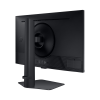
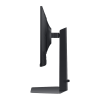
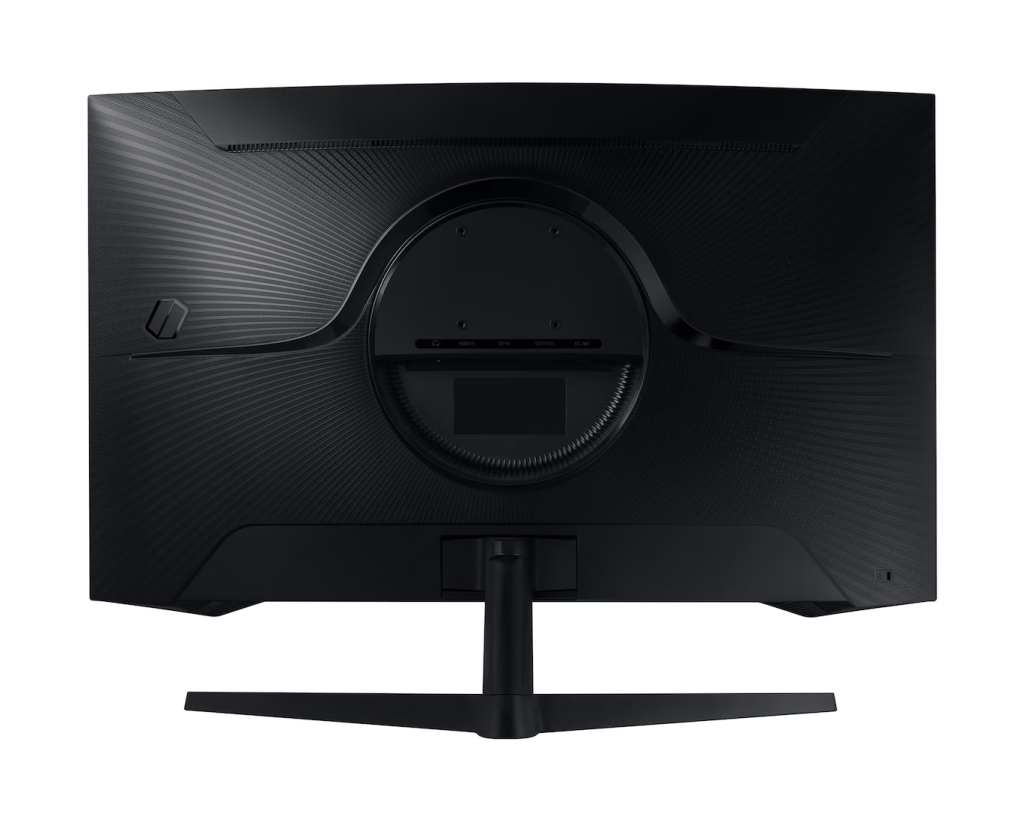
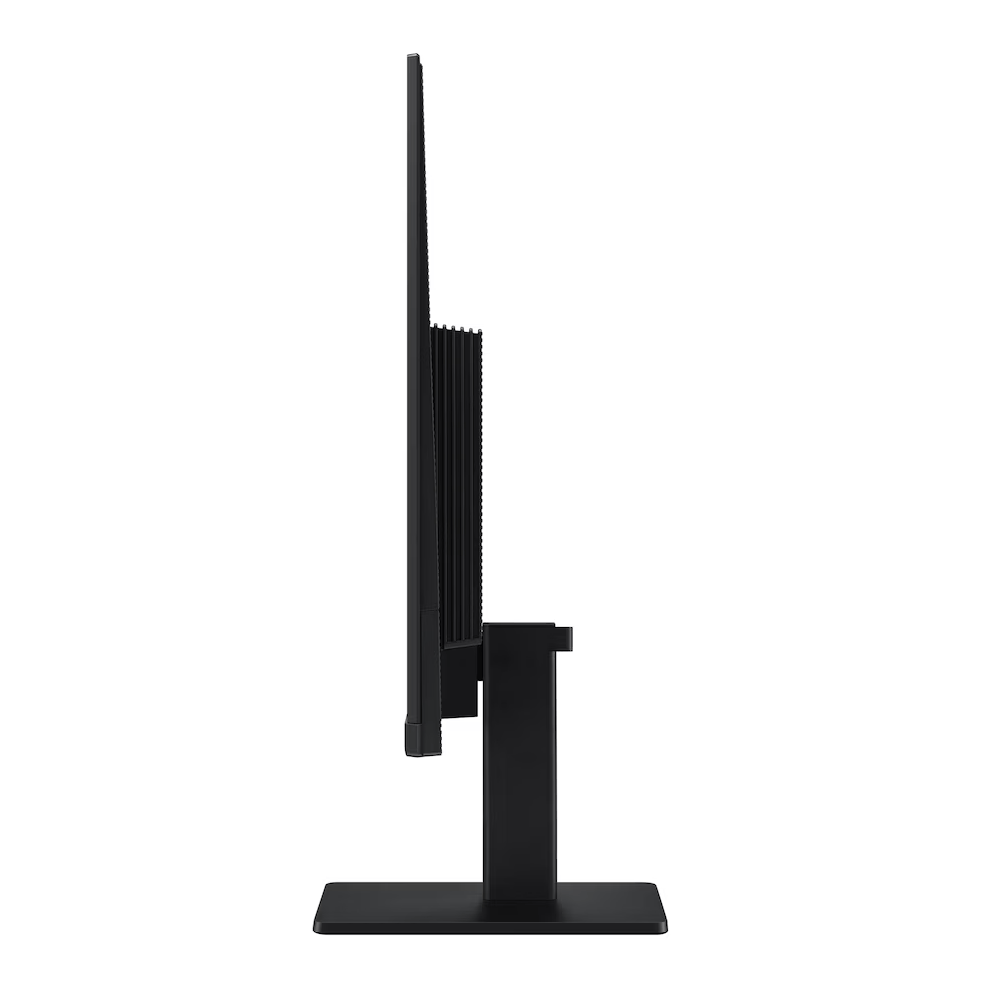
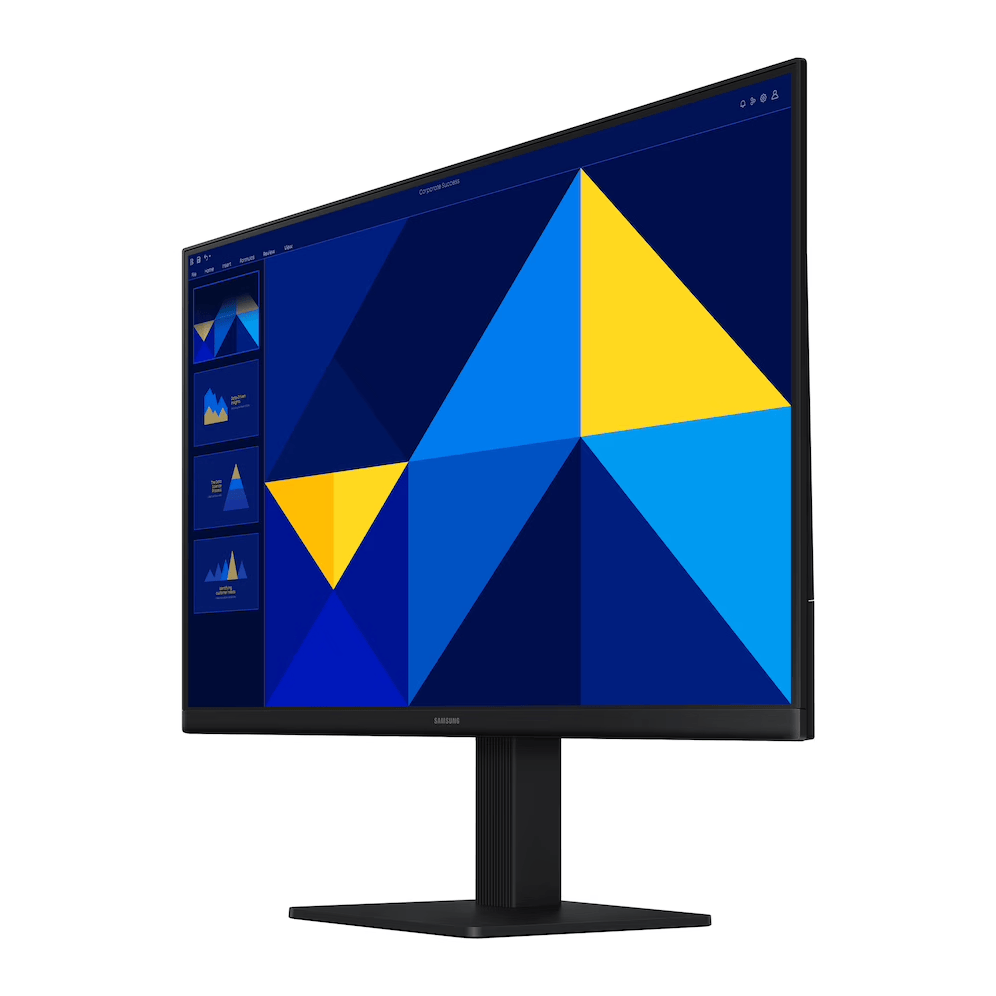
The fully adjustable stand lets you swivel, tilt, raise, lower and pivot the screen up to 90° until everything is in perfect view, so you can find total gaming comfort. VESA mounting is also supported for wall mounts and monitor arms.
Samsung Odyssey G5 27″ – Key Specifications
| Screen size | 27 inches, flat |
| Panel type | Fast IPS |
| Resolution | QHD 2560 × 1440 |
| Refresh rate | 180Hz |
| Response time | 1ms (GtG) |
| HDR | VESA DisplayHDR 400 |
| Adaptive sync | AMD FreeSync |
| Aspect ratio | 16:9 |
| Viewing angle | 178° horizontal / vertical |
| Ports | DisplayPort, HDMI |
| Stand | Height, tilt, swivel, 90° pivot adjustable |
| Eye comfort | Eye Saver Mode, Flicker Free |
| Condition | Brand new, sealed |
Order Your Samsung Odyssey G5 27″ Today
Get the Samsung Odyssey G5 27 inch QHD 180Hz gaming monitor brand new from Foretec Online for ₦473,000. Add it to your cart now, or chat with us on WhatsApp to place your order and arrange fast delivery anywhere in Nigeria. Browse more gaming monitors in our store.

There are no reviews yet.